
"Access control" sounds complex, but at its heart it's a simple loop: someone presents a credential, a brain checks whether they're allowed in, and a lock obeys the answer — all in under a second. Understanding the parts that make up that loop helps you buy the right system, avoid the cheap-component traps, and ask an installer the questions that matter. This guide breaks down exactly how an access control system works, component by component, for anyone planning one for a Chennai home, office, factory, or society.
Quick take: Every access control system is five things working together — a credential (face, fingerprint, card, PIN, or phone), a reader, a controller that makes the decision, a lock that acts on it, and a power supply with backup. Add an exit button and door sensor, and central software for multi-door sites. Get the lock type and power backup right and the system is safe and reliable; skimp on them and it fails when it matters.
The Basic Loop: How Entry Actually Happens
When someone tries to enter a controlled door, four things happen in about a second:
- Present — the person offers a credential (looks at a face terminal, taps a card, scans a finger, or enters a PIN).
- Read — the reader captures that credential and passes the data upstream. Importantly, the reader does not decide anything — it only relays.
- Decide — the controller checks the credential against its stored database and rules (Is this person valid? Are they allowed this door, at this time?) and returns a yes or no.
- Act — on a yes, the controller releases the lock and logs the event (who, which door, when); on a no, the door stays locked and the attempt can be flagged.
That decision-and-log step is what separates real access control from a simple electronic lock — it's auditable and rule-driven.
Component 1: The Credential
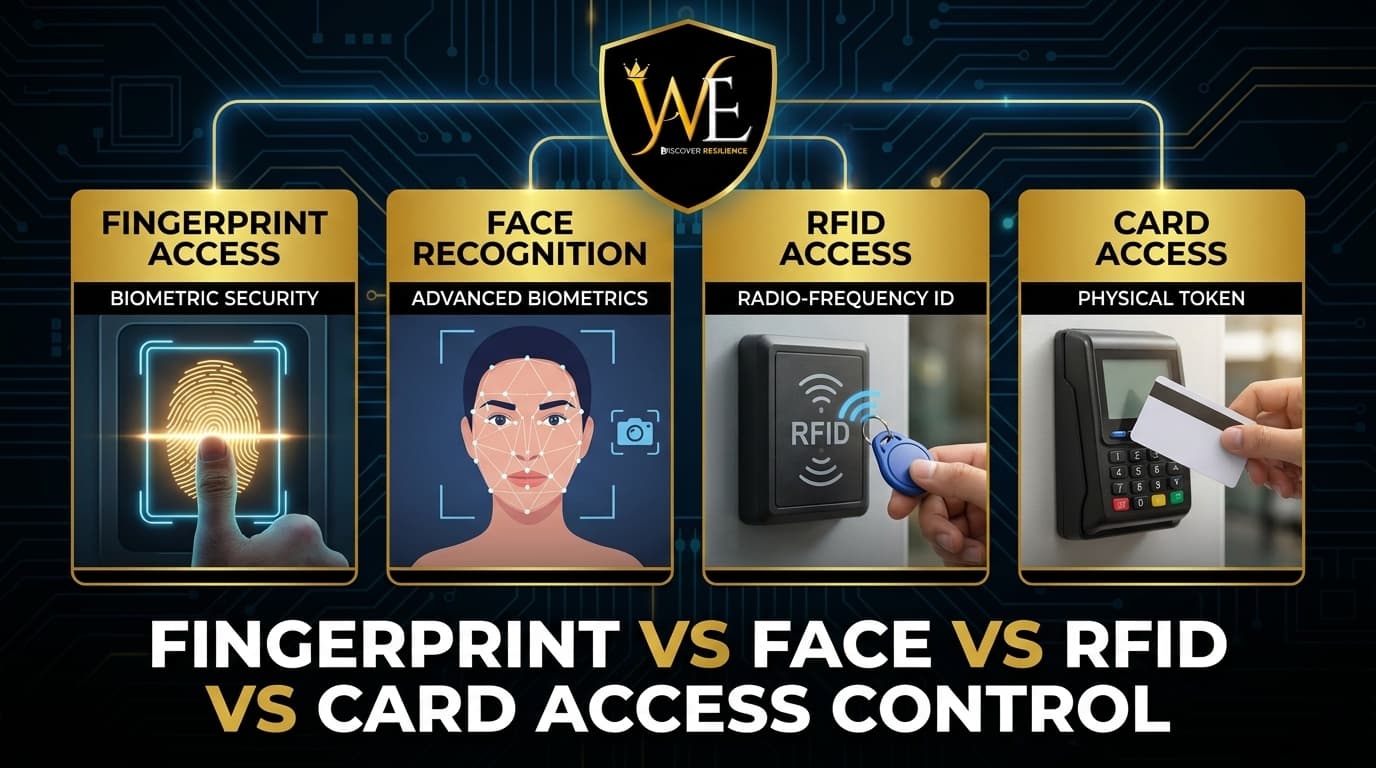
The credential is what a person presents to prove they belong. It can be something you are (face, fingerprint), something you have (RFID card, tag, or phone), or something you know (PIN). Each has a different balance of security, speed, and cost — we cover the trade-offs in detail in our fingerprint vs face vs RFID vs card comparison. The credential you choose drives which reader you need.
Component 2: The Reader
The reader is the device on the wall people interact with — a fingerprint sensor, face terminal, card reader, or keypad. Its only job is to capture the credential and send that data to the controller for a decision. A face reader adds cameras and liveness detection; a card reader detects the chip. Quality here affects speed and reliability, but the reader never grants access on its own.
Component 3: The Controller (The Brain)
The controller — also called the access control panel — is where the intelligence lives. It stores the database of valid credentials, the access rules, and the time schedules, and it makes the grant-or-deny decision in a fraction of a second. It also keeps the audit log. In simple standalone systems the reader and controller are combined in one unit at the door; in networked systems a central controller (and software) manages many doors at once, which is what lets one admin set rules like "no factory-floor access after 10 PM" across an entire site.
Component 4: The Lock
The controller's decision means nothing without a lock to act on it. The common types:
- Electromagnetic (EM) lock — a magnet holds the door shut while powered; releasing power unlocks it. Common, reliable, and simple.
- Electric strike — replaces the strike plate and works with existing mechanical locks.
- Electrified handles / drop bolts — for specific door types and higher-security needs.
The lock must be sized and matched to the door — glass, wooden, or metal — which is a big reason professional installation matters.
Fail-Safe vs Fail-Secure: The Safety Decision
This is the single most important configuration choice, and it's about what the lock does when power is lost:
- Fail-safe — the door unlocks on power loss. Used where life safety comes first (main egress doors, fire escape routes) so no one is ever trapped.
- Fail-secure — the door stays locked on power loss. Used where security comes first (server rooms, cash rooms).
A good installer plans fail-safe and fail-secure doors deliberately, in line with fire-safety norms — not by accident.
Component 5: Exit Button, Sensors & Power
The supporting parts complete a safe, working door:
- Exit button / Request-to-Exit (REX) — lets people leave from the secure side without a credential. A push button closes the circuit to unlock; a REX motion sensor releases the lock automatically as someone approaches from inside.
- Door position sensor — tells the system whether the door is actually open or closed, enabling "door held open" or "forced open" alerts.
- Power supply + backup — the whole system needs stable power, and a UPS or battery backup is essential in Chennai so doors behave safely and keep working through outages. This is the component buyers most often overlook, and the one that causes the most failures.
How the Components Come Together
For a single door, a standalone face or fingerprint terminal with an EM lock, exit button, and power backup is often all you need. For an office, factory, or gated community, a networked controller ties many doors, readers, and credential types into one dashboard with a full audit trail — and integrates with attendance, CCTV, and lifts. See how this scales in our guides to access control for factories and warehouses, apartments and gated communities, and offices and IT parks.
Frequently Asked Questions
What are the main components of an access control system?
Five core parts: a credential (face, fingerprint, card, PIN, or phone), a reader that captures it, a controller that decides whether to grant access, a lock that acts on the decision, and a power supply with backup. Most doors also add an exit button and a door sensor, and multi-door sites add central management software.
What is the difference between a reader and a controller?
The reader is the device on the wall that captures the credential and passes the data upstream — it does not make any decision. The controller (or access panel) is the brain: it stores valid credentials and rules, decides grant or deny in under a second, tells the lock what to do, and keeps the audit log.
What is the difference between fail-safe and fail-secure locks?
A fail-safe lock unlocks when power is lost, used on life-safety egress doors so no one is trapped. A fail-secure lock stays locked when power is lost, used where security is paramount, like server or cash rooms. Which one each door uses is a deliberate design choice aligned with fire-safety requirements.
Do access control systems work during a power cut?
Only if installed with backup power. A UPS or battery keeps the controller and locks running through an outage, and the fail-safe or fail-secure configuration determines how each door behaves. Backup power is the component buyers most often overlook and a common cause of failures in areas with frequent power fluctuations.
What is an exit button or request-to-exit sensor?
Both let people leave from the secure side without presenting a credential. An exit button is a switch that unlocks the door when pushed; a request-to-exit (REX) sensor detects motion or body heat near the door from inside and releases the lock automatically for a brief window.
Do I need networked access control or a standalone unit?
A standalone unit (reader and controller combined) is fine for a single door. Networked access control uses a central controller and software to manage many doors, credential types, time-based rules, and audit trails at once — the right choice for offices, factories, and gated communities.
Conclusion
An access control system is really just five parts in a fast loop — credential, reader, controller, lock, and power — with an exit button and software rounding out a safe, auditable door. Once you understand the pieces, the quality decisions become obvious: insist on a proper lock matched to the door, a deliberate fail-safe/fail-secure plan, and real power backup. Those are what separate a system that works for years from one that fails on the first power cut.
At WAEI Enterprise, we design and install access control systems of every size across Chennai — from a single door to multi-site networked setups — with the right locks, power backup, and integration, backed by 1 year of free AMC. Book a free site survey and we'll plan the right components for your premises.
Last updated: September 2026. Specifications subject to change.
Tags
- How Access Control Works
- Access Control Components
- Access Control Systems Chennai
- EM Lock Exit Button
- Door Access Control Chennai
- Access Control Installation