A fingerprint attendance machine is still the most popular way Indian offices track staff hours — affordable, familiar, and reliable when it's specced right. But "specced right" is where most purchases go wrong. Buy a unit with too little storage, the wrong sensor, or no path to your payroll, and you get daily queues at the door, failed scans, and an HR team still fixing attendance by hand. This guide won't hand you a "top 10 models" list — it teaches you how to choose, so you buy a machine that fits your office and connects to your payroll the first time.
Written for Chennai business owners and HR managers, it covers whether fingerprint is even the right technology for your office, the specifications that actually matter, how to size it to your headcount, and the connectivity and compliance details the product pages gloss over. When you're ready to install, see our biometric attendance system service in Chennai.
Quick take: For a small-to-mid office with clean-handed staff, a fingerprint attendance machine is the best value — pick one with a capacitive sensor, user and log capacity comfortably above your headcount, TCP/IP or Wi-Fi for real-time sync, and a confirmed path to your payroll software. If your team has many people, dirty or worn hands, or a busy single entrance, step up to face recognition instead.
Is Fingerprint Right for Your Office?
Before specs, the honest question. Fingerprint is the right choice when:
- You have a small to medium team (roughly under 100) at a door without a big morning rush.
- Staff have clean, intact fingers — typical of desk-based offices.
- Budget matters and you want the lowest reliable entry cost.
Consider face recognition instead when you have a high-traffic single entrance where queues form, staff with dirty/wet/worn fingers (workshops, kitchens, field staff), or you want fully contactless, hands-free entry. For the full technology trade-off, see our fingerprint vs face vs RFID vs card comparison and face recognition access control guide. A good installer tells you when not to buy fingerprint — that's the advice a product listing never gives.
How a Fingerprint Attendance Machine Works
The device scans a finger's ridge pattern, converts it to an encrypted template (a string of numbers, not a stored image), and on each punch matches the live scan against enrolled templates, logging the time and identity. The sensor type is the quality dividing line:
- Optical sensors photograph the print. Cheaper, but more easily fooled and more prone to failure on dry, worn, or dirty fingers.
- Capacitive sensors read the print electrically from the properties of living skin. More accurate, more durable, and far harder to spoof — the better choice for a workplace that will use it thousands of times.
Insist on a capacitive sensor unless budget is the single overriding constraint.
The Specs That Actually Matter
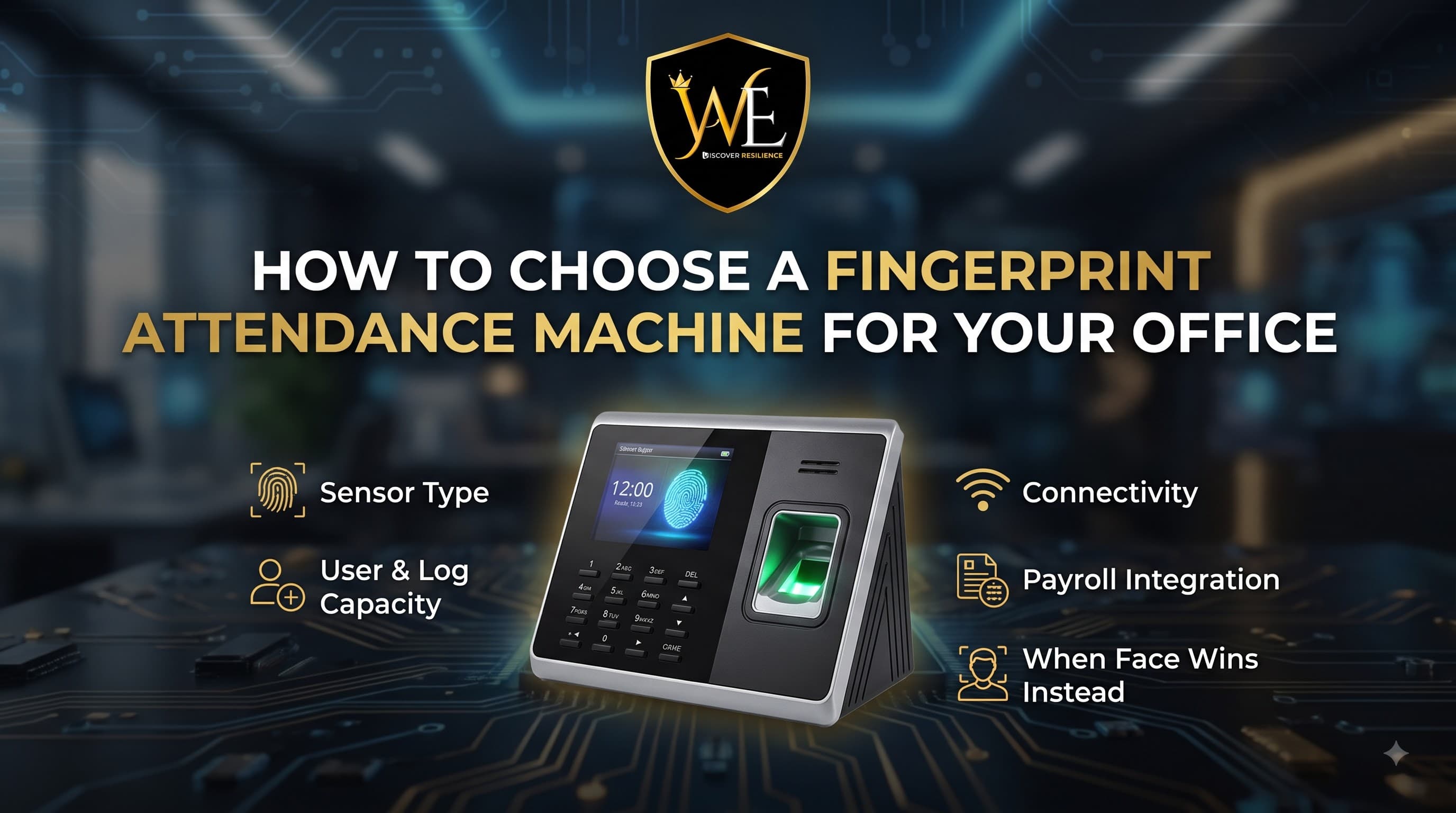
Ignore the marketing bullet points and focus on these five:
| Spec | Why it matters | What to look for |
|---|---|---|
| User (template) capacity | The max number of fingerprints it stores | Comfortably above your headcount, with room to grow |
| Log / transaction capacity | How many punches it holds before syncing | High enough that it never overwrites before data reaches payroll |
| Sensor type | Accuracy and durability | Capacitive over optical |
| Verification speed | Throughput at the door | Sub-second matching to avoid queues |
| Connectivity | How data reaches your software | TCP/IP or Wi-Fi for real-time; avoid USB-only for anything but the smallest office |
A common mistake is buying on price and discovering the log capacity is so low it overwrites punches before month-end, or that it's USB-only and someone must physically carry data to a PC every day.
Match the Machine to Your Office Size
- Under 50 employees — a solid capacitive fingerprint unit with real-time connectivity is ideal and economical.
- 50–200 employees — fingerprint still works, but ensure high user and log capacity, fast matching, and consider a hybrid (fingerprint plus RFID or face) at the main door to avoid morning queues.
- 200+ or multi-shift — face recognition usually serves the main entrance better for throughput, with fingerprint on internal or low-traffic doors. See our guide to access control for offices and IT parks in Chennai for larger setups.
Connectivity & Real-Time Sync
How the device connects decides whether attendance is live or a daily chore:
- TCP/IP (Ethernet) — the reliable choice for real-time sync to a server or PC without manual transfer.
- Wi-Fi — convenient where cabling is hard, good for cloud-synced and multi-branch setups; ensure stable coverage at the door.
- USB / pen-drive — only acceptable for the smallest single-location office; it means someone manually offloads data, which defeats much of the automation benefit.
For multi-branch businesses, a Wi-Fi or cloud device that consolidates every location into one dashboard is worth the small premium.
Payroll & HRMS Integration
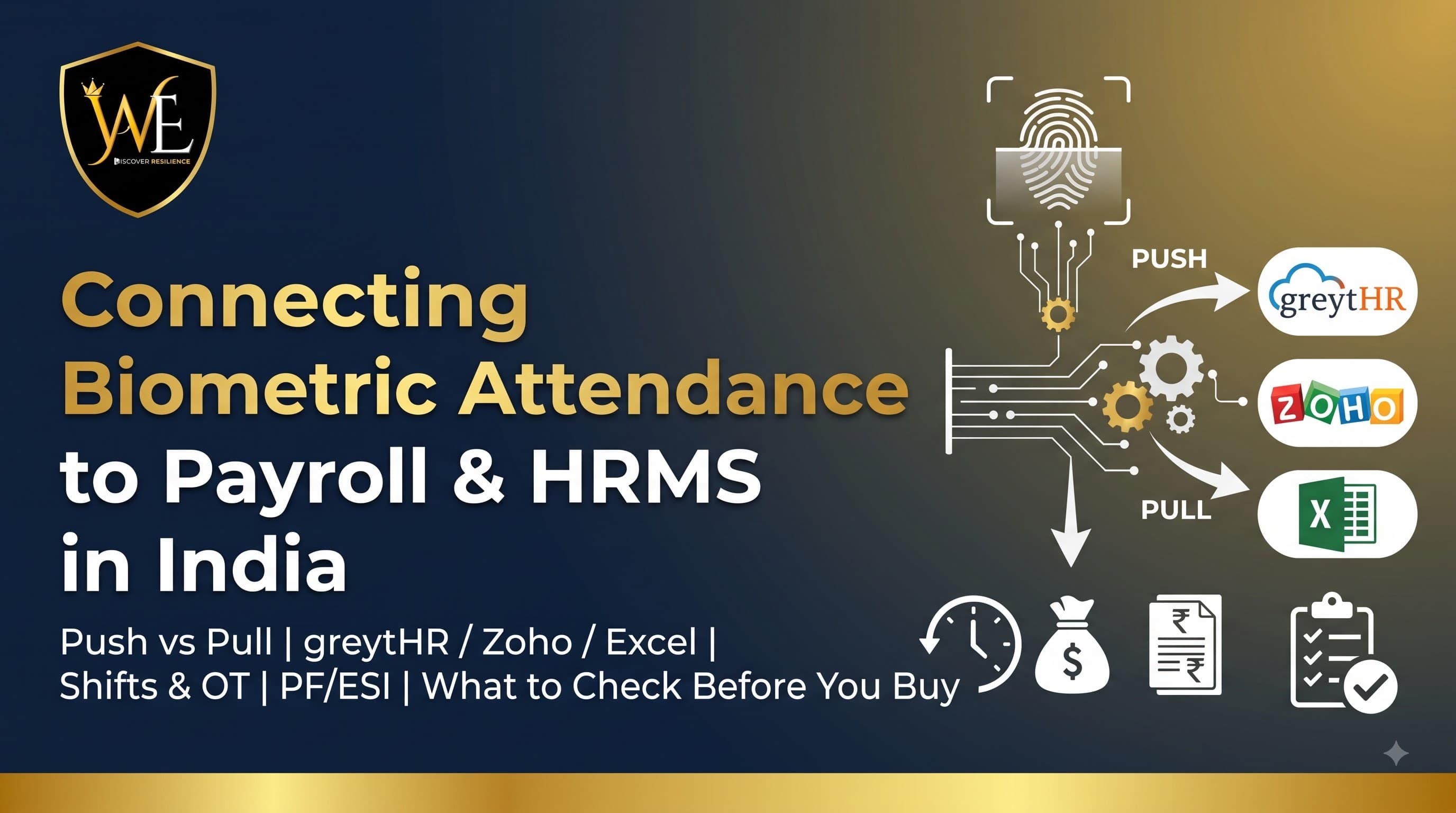
This is where the machine earns back its cost — and the check most buyers skip. The device must connect to your payroll: greytHR, Zoho, SalaryBox, Keka, or a clean Excel/CSV export. Confirm this before you buy, because a machine that can't talk to your payroll just moves the manual work elsewhere. Our guide to connecting biometric attendance to payroll and HRMS explains push vs pull integration and exactly what to verify.
Backup Power & Reliability
A machine that's dead during a power cut logs nothing. For Chennai conditions:
- Battery / UPS backup so it keeps recording through outages.
- Offline log storage that buffers punches and syncs when the network returns, so no attendance is lost.
- Local AMC support for fast service — a down attendance machine is a payroll problem, not just an IT one. Every WAEI installation includes 1 year of free AMC.
Data Privacy: DPDP Compliance
A fingerprint template is personal data under India's DPDP Act. Choose a device that stores encrypted templates locally (not raw images), use the data only for attendance and payroll, and delete an employee's template when they leave. Attendance qualifies as an employment "legitimate use," so a compliant setup is straightforward — see whether biometric attendance is legal in India under the DPDP Act for the full picture.
The Buyer's Checklist
Before you buy a fingerprint attendance machine, confirm:
- Capacitive sensor (not optical, unless pure budget).
- User capacity comfortably above headcount, with growth room.
- Log capacity high enough to never overwrite before sync.
- Sub-second verification speed.
- TCP/IP or Wi-Fi connectivity for real-time data.
- Confirmed integration with your payroll/HRMS.
- Battery/UPS backup and offline buffering.
- Encrypted local template storage for DPDP compliance.
- Local AMC and support in Chennai.
Frequently Asked Questions
Which fingerprint attendance machine is best for a small office?
For a small office (under 50 staff), the best choice is a device with a capacitive sensor, user and log capacity comfortably above your headcount, sub-second verification, and TCP/IP or Wi-Fi connectivity for real-time sync — plus a confirmed path to your payroll software. Rather than a specific model, choose on these criteria and match them to your headcount and payroll.
Is a fingerprint or face recognition attendance machine better for an office?
Fingerprint is better for smaller, clean-handed teams and tight budgets. Face recognition is better for high-traffic entrances where queues form, staff with dirty or worn fingers, or fully contactless entry. Many mid-sized offices run a hybrid — face at the busy main door, fingerprint on internal doors.
What capacity fingerprint attendance machine do I need?
Choose user (template) capacity comfortably above your current headcount with room to grow, and log/transaction capacity high enough that punches are never overwritten before they sync to your payroll. Undersized capacity is one of the most common and costly buying mistakes.
Should the attendance machine use USB, Wi-Fi, or TCP/IP?
TCP/IP (Ethernet) is the most reliable for real-time sync to a server or PC. Wi-Fi is convenient where cabling is difficult and good for cloud and multi-branch setups. USB-only is acceptable only for the smallest single office, because it requires someone to manually transfer data, defeating much of the automation.
Can a fingerprint attendance machine connect to payroll?
Yes, if you choose one that supports your payroll or HRMS software. The device either pushes punches to your software or the software pulls logs on a schedule, and smaller businesses can use a clean Excel/CSV export. Always confirm compatibility before purchase — see our guide to connecting biometric attendance to payroll.
Is a fingerprint attendance machine DPDP compliant?
It can be, if it stores encrypted templates locally rather than raw fingerprint images, uses the data only for attendance and payroll, and deletes an employee's data when they leave. Attendance qualifies as an employment legitimate-use under the DPDP Act, so a compliant setup is achievable with the right configuration.
Conclusion
A fingerprint attendance machine is an excellent, economical choice for the right office — but only if you choose it on the specs that matter: a capacitive sensor, capacity above your headcount, real-time connectivity, a confirmed payroll path, backup power, and DPDP-compliant storage. Skip the "top 10" hype and buy on fit, and it will pay for itself in accurate, dispute-free payroll.
At WAEI Enterprise, we help Chennai offices choose the right attendance technology — fingerprint, face, or hybrid — install it, and integrate it cleanly with your payroll, backed by 1 year of free AMC. Book a free site survey and we'll recommend a system that fits your office and connects to your payroll the first time.
Last updated: July 2026. Specifications subject to change.
Tags
- Fingerprint Attendance Machine
- Attendance Machine for Office
- Biometric Attendance System Chennai
- Time Attendance System
- Fingerprint Attendance Chennai
- Access Control Systems Chennai